


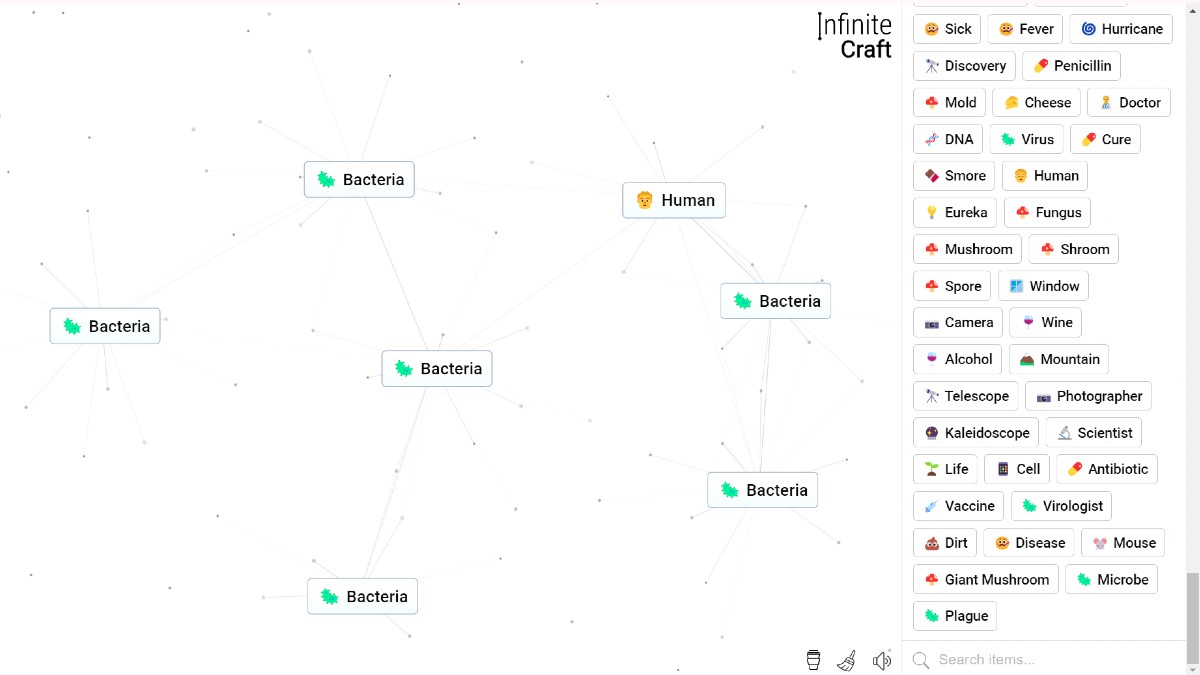
Making a Human in Infinite Craft requires combining Life and Earth through a streamlined six-step crafting path starting from basic elemental blocks. You can create Life by merging Earth with Mars, which then pairs directly with Earth or Dust to yield a Human card, the same foundation used to make People.
Prerequisites and Base Ingredients
Every crafting session in the sandbox begins with four foundational blocks: Water, Fire, Wind, and Earth. Unlocking advanced bio-organic cards, or even the entire periodic table of elements, does not require account levels or special events, but efficiency depends on following an optimal path to avoid semantic search decay in the backend engine.
Synthesizing the primary target requires precise pairings of intermediate atmospheric and planetary components.
| Ingredient | Source Type | Intermediate Function |
|---|---|---|
| Earth | Base Element | Combines with Wind, Mars, and Life |
| Wind | Base Element | Combines with Earth and Dust |
| Dust | Step 1 Craft | Forms Planet and Sandstorm |
| Sandstorm | Step 2 Craft | Forms Mars |
| Planet | Step 3 Craft | Forms Mars |
| Mars | Step 4 Craft | Forms Life |
| Life | Step 5 Craft | Forms Human |
Step-by-Step Human Crafting Path
The direct route to unlock Human takes six total steps. If you have already mastered how to make people in Infinite Craft, you are on the final step of the sequence. For complete progression from a fresh workspace, execute these exact pairings:
- Combine Earth and Wind to create Dust.
- Combine Wind and Dust to create Sandstorm.
- Combine Earth and Dust to create Planet.
- Combine Sandstorm and Planet to create Mars.
- Combine Earth and Mars to create Life.
- Combine Earth and Life to unlock Human.
Pairing Life with Dust at the final step also yields Human if Earth is displaced on your canvas. Once unlocked, Human serves as a foundational ingredient to create professions, historical figures, and pop-culture icons.
Canvas Physics and Interface Shortcut Rules
The game interface operates entirely on an HTML5 canvas without physical terrain, spatial map coordinates, or interactive non-player characters. Understanding collision physics and workspace management shortcuts keeps synthesis runs fast and responsive.
- Spatial Collision Window: Two card elements merge only when the center point distance d between cards satisfies d <= 30 pixels. Placing cards near each other without overlapping center points within 30 pixels stacks them visually without initiating a combination request.
- Sidebar Pinning: Hold the Alt key while clicking an element in the sidebar menu to pin it to the top of your list for instant access during repetitive recipes.
- Canvas Purging: Click the sweep broom icon in the bottom left corner of the screen to clear active cards from the canvas. This frees up memory while keeping your full discovery history saved in browser storage.
Preventing Dead Elements and Casing Errors
The game client enforces validation protocols on all generated and loaded element strings. Deviating from standard capitalization or modifying element strings can create non-functional cards that fail to combine.
- Capitalization Protocol: An uppercase character is valid only as the initial string character S(0) or when immediately preceded by a standard space character.
- Length Restrictions: String names exceeding 30 total UTF-16 code units evaluate as dead elements. Emojis and specialized Unicode symbols occupy two code units each, represented by the constraint N(standard) + 2 x N(surrogate) <= 30.
- Fixing Zombie Elements: If an element card stops merging due to a cache desynchronization bug between local storage and the server database, re-synthesize the element using a clean alternative recipe to restore its functionality.





Updated: Aug 3, 2026 04:13 pm