


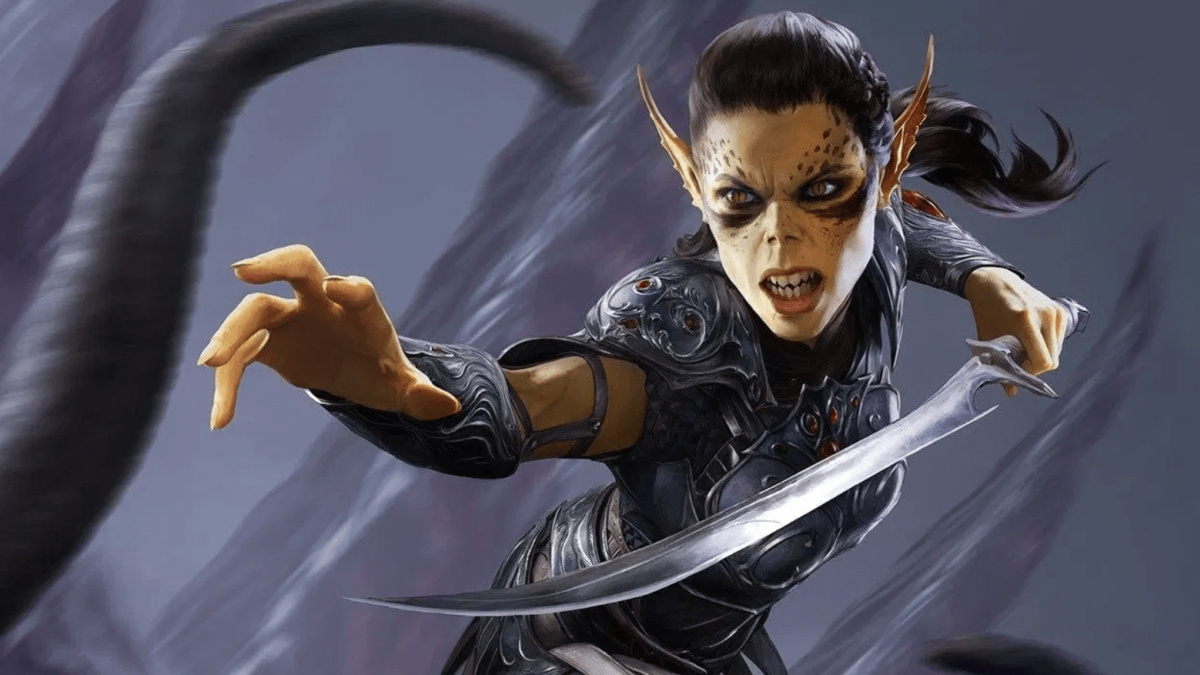

There’s nothing more frustrating than a glitch that completely halts your progress, and Baldur’s Gate 3 has a particularly rough one. Should you have Lae’zel in your party, there’s a constant chance that the UI will glitch out during her turn and keep her prepped for dialogue, forcing you to reload your game. Fortunately, there is a way to fix the Lae’zel combat glitch in Baldur’s Gate 3, and we’re here to explain how it works in detail.
Baldur’s Gate 3 Lae’zel Combat Glitch Workaround, Explained
Should you run into this glitch, you have a few of different options for fixing it.
The first is to make a a quick save and immediately load it. To make the quick save, press the F5 key and then wait for the game to make the save file. You might also need to wait until it syncs the save data with the cloud server, which can take between 30 seconds and one minute.
Once this is done, press the F8 key. This will load the quick save, and if it worked, Lae’zel should be able to move and attack normally with the UI intact.
If this still doesn’t solve the problem, then you’ll need to reload the last hard save you made. While inconvenient, it has the same effect as the quick save and should resolve the glitch by the time you reach the battle where it occurred.
You can likewise circumvent future instances of the glitch entirely if you take Lae’zel out of your party. This glitch is limited to her, and doesn’t pop up with any other character. As such, you can use any other companion without running the risk of triggering the issue.
Will Larian Studios Fix the Glitch With an Update or Patch?
It’s unfortunate these measures need to be taken, but hopefully they won’t be necessary for long.
It has already been determined that the glitch is the result of Lae’zel having the dialogue UI up instead of the Combat UI, and reports have likely been sent to Larian Studios about the issue. Given they’ve already patched several other bugs in the brief time since the game’s release, it wouldn’t be a stretch to say they’re aware of the problem and working toward a solution.
As such, we just need to wait for a more permanent solution and use the current workarounds.
Now that you know how to fix the Lae’zel combat glitch in Baldur’s Gate 3, you’re ready to take on the rest of the game without fear. We can help you out with plenty of other guides, which you can find down below.





Updated: Aug 11, 2023 07:25 pm