


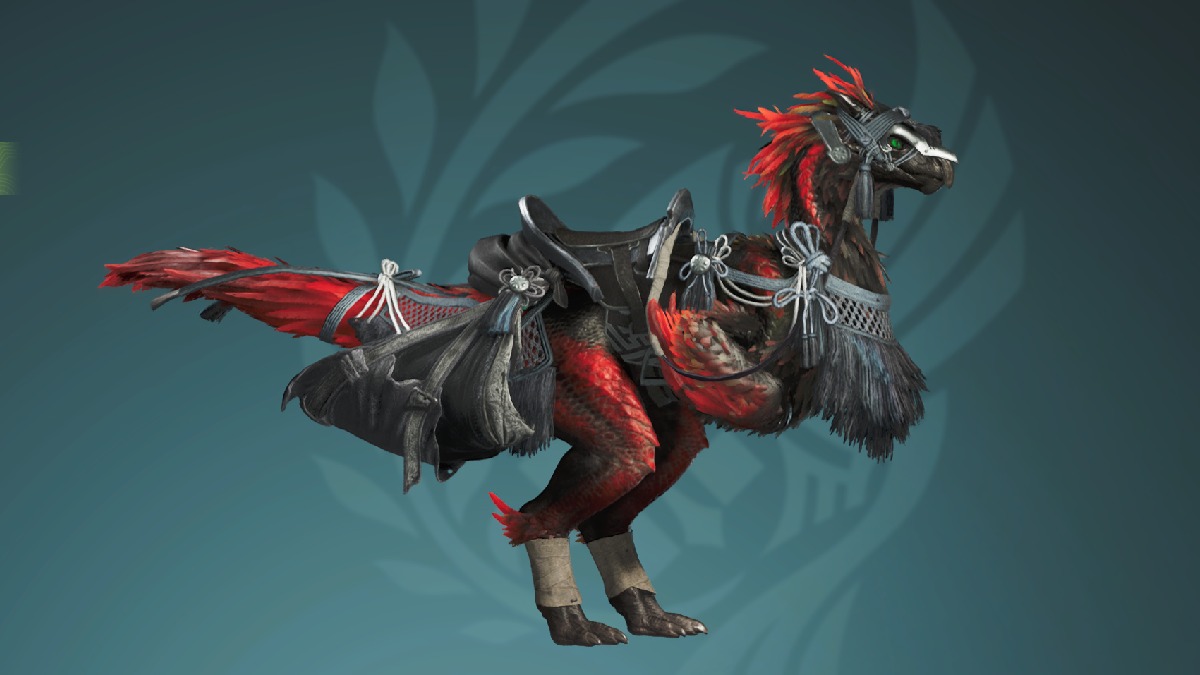

The Seikrat is arguably your best companion in Monster Hunter Wilds and you’ll be riding it around the map everywhere. If you want to customize your Seikrat and give it a unique look or have it match your aesthetic we’ll go over how you can customize your Seikrat in Monster Hunter Wilds.
Where to Customize Your Seikrat in Monster Hunter Wilds
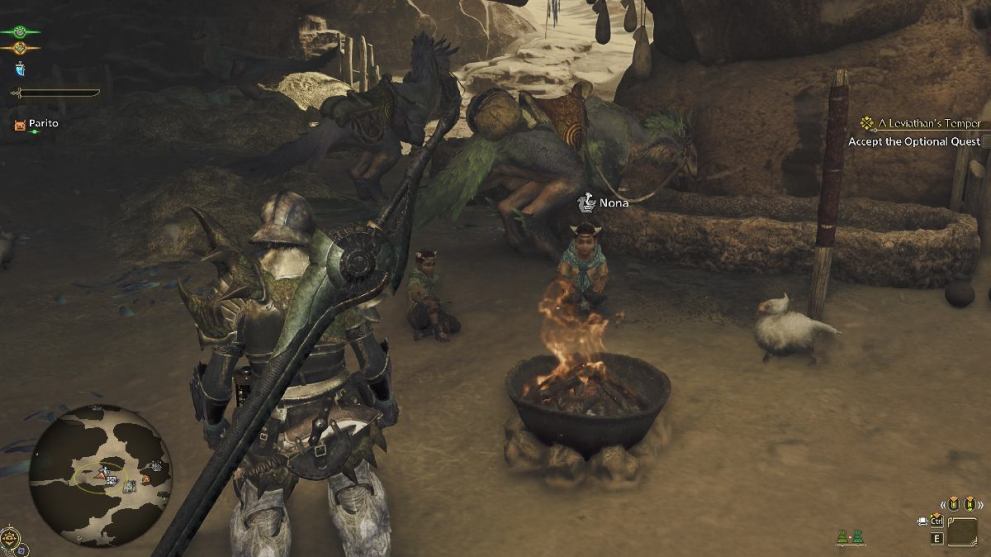
To customize your Seikrat you need to go to the NPC Nona in Kunafa, The Windsong Village in the Windy Plains. Speak to Nona and she’ll give you the option to customize your Seikrat’s appearance. You can fast-travel here and locate Nona by following the Seikrat Customization icon on the map. This is the only place where you’ll be able to customize your Seikrat, as there are no NPCs in other villages you visit that allow you to do so.
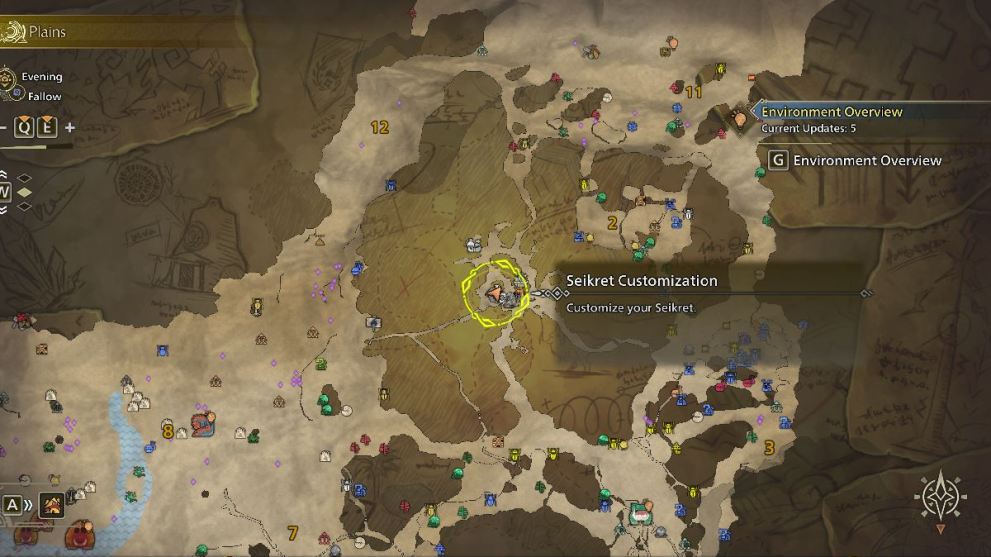
Do note that Seikrat customization is unavailable at night because the NPC goes to bed and is inaccessible inside her hut. It’s a neat detail no matter how jarring it may feel. You can always rest up at one of your campsites and change the time of day to morning if you’re in a rush.
Seikrat Customization Options
Once you open up the customization menu, you can either opt for simpler color customization or you can try changing the patterns and their intensity on your Seikrat’s feathers. You can change the outer and inner feather coloring, and also pick the pattern of feathers on your Seikrat. Just like your Palico and character, you can also choose to have different eye colors for your Seikrat. There are also Decoration and Pendant options for your Seikrat, and you’ll unlock more of these as your Hunter Rank goes up.
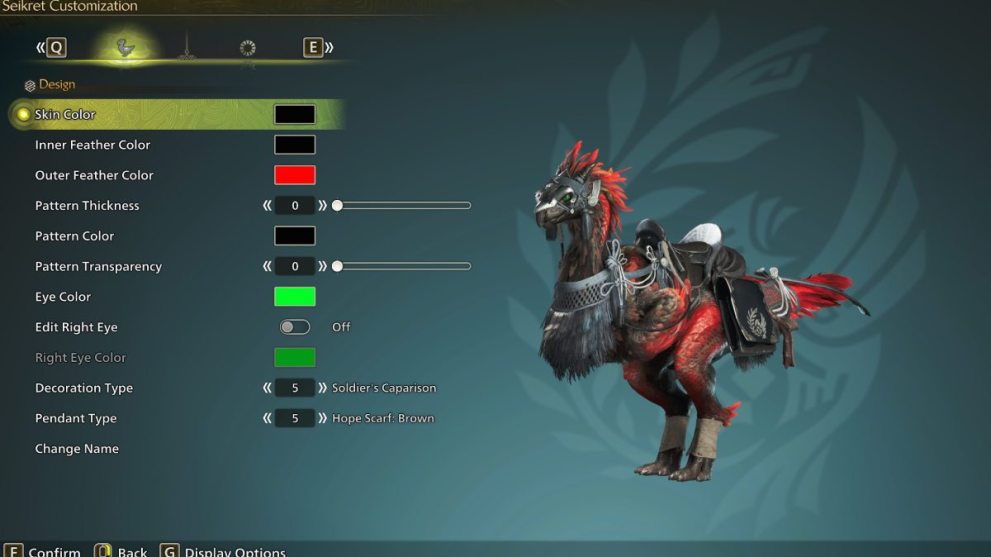
Your Seikrat is one of your best helpers out on a hunt as it enables you to freely launch aerial attacks to mount and ride monsters, gets you around places quickly, and lets you swap your weapons on the go. Give it a name and show it some love. You can even make it look like a Chocobo from Final Fantasy.
That’s all you need to know on how to customize your Seikrat in Monster Hunter Wilds. For more guides, be sure to check out how to catch the Sandstar and how to catch the Golden Fish.












Updated: Feb 27, 2025 06:28 am