



To craft a Redstone Repeater in Minecraft, open a Crafting Table and place three blocks of standard Stone along the bottom row, one Redstone Dust in the center slot, and two Redstone Torches on either side of the dust. This essential block boosts fading Redstone signals back to a full strength of 15, introduces adjustable delays from one to four ticks, and acts as a one-way diode for directional power control.
To ensure successful assembly or immediate in-world harvesting, players must gather the exact quantities of raw ingredients, navigate to specific mining depths, or locate pre-generated structures using precise coordinates and tool classes.
| Ingredient or Target | Quantity or Coordinate | Required Tool Class | Extraction Source or Landmark |
|---|---|---|---|
| Stone Block | 3 | Pickaxe (Any) | Smelt Cobblestone in a standard Furnace |
| Redstone Dust | 1 | Iron Pickaxe or better | Mine Redstone Ore at Y: -64 to 15 |
| Redstone Torch | 2 | None (Crafting grid) | Place 1 Redstone Dust over 1 Stick |
| Jungle Pyramid Repeater | 1 | Any tool or bare hand | Jungle Biomes; Demo seed: X: -952, Y: 78, Z: -666 |
| Ancient City Repeater | Multiple | Any tool or bare hand | Deep Dark Biome; secret portal basement at Y: -51 |
Raw Material Gathering and Processing
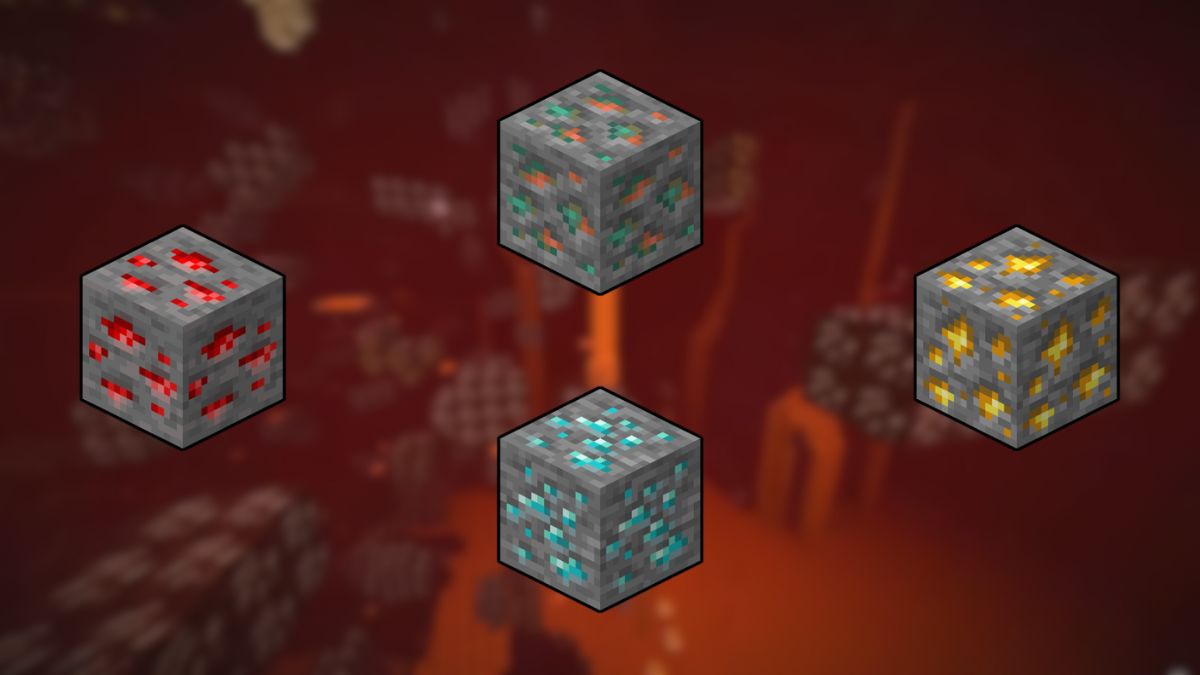
To obtain the three Stone blocks needed for crafting, players must mine standard Cobblestone with any pickaxe and process it through a standard Furnace. Smelt each Cobblestone block exactly once to revert it to standard Stone. Smelting the Stone a second time must be avoided, as this yields Smooth Stone, which will invalidate the recipe. Redstone Ore generates underground between Y-levels -64 and 15, with concentrations spiking around Y-level -50, overlapping the same depths covered in our best level for diamonds in Minecraft guide. Mine this ore using an Iron Pickaxe, Diamond Pickaxe, or netherite equivalent to drop Redstone Dust.
Assembling Intermediate Components
Crafting a Redstone Repeater requires two Redstone Torches as intermediate components. Open the inventory crafting interface or a Crafting Table and execute the following actions:
- Locate wood logs and process them into wooden planks.
- Arrange two planks vertically in the crafting grid to produce Sticks.
- Place one Stick in the bottom slot of a column and one Redstone Dust directly above it.
- Retrieve the finished Redstone Torch and repeat the process to obtain a second torch.
Positioning Items in the Crafting Grid
Interact with a Crafting Table to open the 3×3 crafting grid. Placing the materials in any other configuration will result in an invalid recipe or yield an incorrect item. Navigate the cursor and place the ingredients into the grid according to these specific slots:
- Row 1 (Top Row): Leave all three slots completely empty.
- Row 2 (Middle Row): Place one Redstone Torch in the left slot, one Redstone Dust in the center slot, and one Redstone Torch in the right slot.
- Row 3 (Bottom Row): Place one standard Stone block in each of the three slots.
- Move the finished Redstone Repeater from the output slot into the active hotbar.
Locating Pre-Generated Repeaters in Jungle Pyramids
Players can bypass the crafting process entirely by harvesting naturally generating Redstone Repeaters from structures within Jungle or Bamboo Jungle biomes. These pyramids do not generate in Sparse Jungles. Because dense foliage often hides these stone pyramids, setting fire to the surrounding jungle canopy is an effective method to expose the non-flammable cobblestone structure. Once inside, players must navigate the bottom-floor layout to extract the repeater safely:
- Descend the mossy stone staircases to the lower level.
- Equip shears to safely cut the two tripwires stretching across the main corridor – one in the hallway center, and another in front of the chest. Using shears prevents the hidden dispensers from firing arrows.
- To open the hidden chest room containing the active Redstone Repeater circuit, interact with the physical wall levers in a precise sequence. If the levers are on the left side of the stairs, pull them in the order of Right, Left, Left, Right. If the levers generate on the right side of the stairs, pull them in the order of Left, Right, Right, Left.
- Alternatively, use a pickaxe to mine directly through the cobblestone wall behind the levers to bypass the puzzle entirely. Locate the open piston door, trace the Redstone wire on the floor, and break the single Redstone Repeater using any tool or a bare hand to drop it as an item.
Extracting Repeaters Safely from Ancient Cities
Deep Dark biomes generating below massive mountain ranges at Y-level -51 host massive Ancient Cities containing advanced Redstone basements beneath the central portal frame. These hidden corridors contain multiple active Redstone Repeaters utilized in pulse extenders, signal filters, and T flip-flop circuits. To harvest these blocks without triggering the Warden, players must execute these precise steps:
- Walk to the base of the massive central portal structure, directly beneath the wooden bridge that connects the city center to the outer city wall.
- Trigger a vibration near the chiseled deepslate block in front of the frame – such as by eating food or throwing a projectile – to open the sculk-activated piston door.
- Hold the sneak key (or toggle “Sneak” to on in the accessibility settings menu) and walk exclusively on the pre-laid wool blocks and carpets to avoid triggering nearby Sculk Sensors and Sculk Shriekers.
- Depending on the city center generation, the basement may follow one of three layouts: city_center_1 (features a 180-game-tick pulse extender), city_center_2 (utilizes a frequency-8 vibration filter), or city_center_3 (implements a T flip-flop).
- Break the pre-placed Redstone Repeaters immediately using any tool or a bare hand to add them to the inventory.
Adjusting Signal Delay and Directional Diode Logic
Once placed, the Redstone Repeater functions as a one-way diode, allowing power to travel only from its back input to its front output. A faint arrow on top of the block’s texture indicates the exact direction of signal transmission. The repeater block sits exactly 0.125 blocks high. This device provides three primary circuit utilities:
- Signal Boosting: Redstone power decays by 1 level for every block of Redstone Dust traveled, dying completely after 15 blocks. A repeater boosts any weak incoming signal of at least power level 1 back to a maximum power level of 15.
- Signal Delaying: Initially placed repeaters introduce a baseline delay of one Redstone tick (0.1 seconds). Right-click the block (or press the corresponding controller button) to cycle the delay through 2, 3, and 4 Redstone ticks (0.2 to 0.4 seconds). This adjustment is highly effective when synchronizing piston gates or establishing complex timers.
- Pulse Lengthening: A repeater set to a delay of two to four ticks automatically increases the duration of shorter incoming on-pulses to match its set delay, while completely filtering out shorter off-pulses.
Locking Circuits with Side Inputs
A Redstone Repeater can be locked into its current active or inactive state by directing another powered repeater or comparator directly into its side. When successfully locked, a physical gray bedrock bar appears across the top of the repeater, and it will ignore any subsequent updates to its back input. The repeater returns to its normal state once the side locking signal is powered off. If the lock is toggled too quickly via a fast clock circuit, or if the locking signal and back input update on the exact same game tick, scheduling limits may cause the state switch to fail.
Understanding Edition Parity and Environmental Constraints
The physical behavior and environmental vulnerabilities of Redstone Repeaters change significantly depending on whether the game is running Java Edition or Bedrock Edition:
- Water Interactions: Flowing water or lava instantly destroys repeaters in Java Edition, causing them to break and drop as items. In Bedrock Edition, repeaters are fully waterloggable, meaning they can be placed underwater and will continue to function normally without breaking.
- Placement Surfaces: Java Edition repeaters must be placed on top of solid opaque blocks, upside-down slabs, upside-down stairs, glass, or furnaces. Bedrock Edition allows repeaters to be placed directly on top of fences and stone walls.
- Piston Activity: Placing a repeater on the side of a piston in Java Edition causes the repeater to instantly break and drop as an item when the piston activates. In Bedrock Edition, repeaters placed on the side of a piston remain intact during extensions and retractions.
- Update Scheduling: Java Edition processes sub-tick updates using a predictable, fixed priority based on directional and locational sequencing. Bedrock Edition implements a randomized update order, meaning conflicting signals activated on the same game tick can result in randomized output priorities or intermittent circuit failure.
















Updated: Jul 17, 2026 03:17 pm