


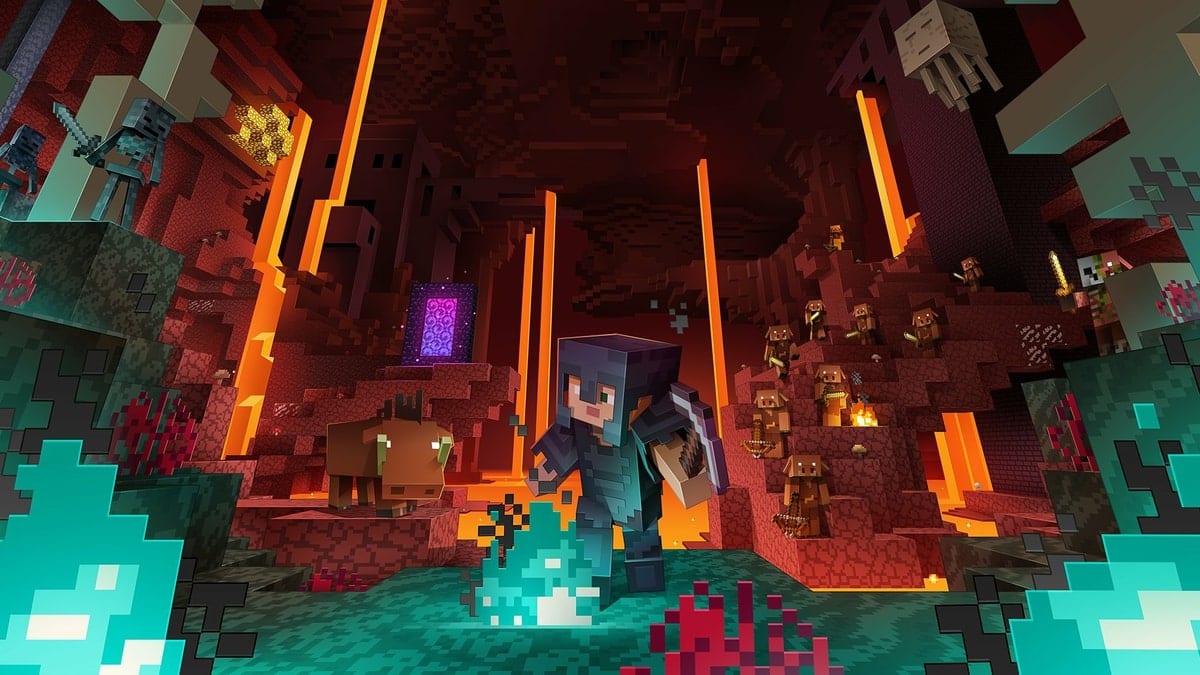

A Command Block is an item in Minecraft that allows players to program certain actions into their worlds. This enables you to craft unique experiences for those you share your world with. For instance, you can have them give players items, power NPCs, or trigger certain events. They take a bit of practice to use, but are easy to get so you shouldn’t have too much of a problem.
How to Get Command Blocks
To obtain a Command Block, start a new game in Creative Mode. Once you’re in, hit the “/” button, this will allow you to insert a command into the chat window which is necessary to summon items to use. What you’ll want to type is:
/give @p minecraft:command_block
You can swap out the @p to change who receives the item. It’s the easiest option for if you’re playing alone as @p gives the item to the nearest person (which would be only you). If you’re playing with others and want to ensure you receive the item you can insert your username after the “@”.
You can also add a number after the command to give yourself a specific quantity of Command Blocks.
Either way, once you enter the command you’ll have your item. It’s worth pointing out that to get the most out of Command Blocks, you’ll need a bit of coding knowledge, as that’s how you’ll interact and use it to get new items or access features though it.
That’s everything you need to know on getting Command Blocks in Minecraft. You can check out more of our coverage on the latest Nether update to the game below.










Updated: Jun 24, 2020 11:27 am