


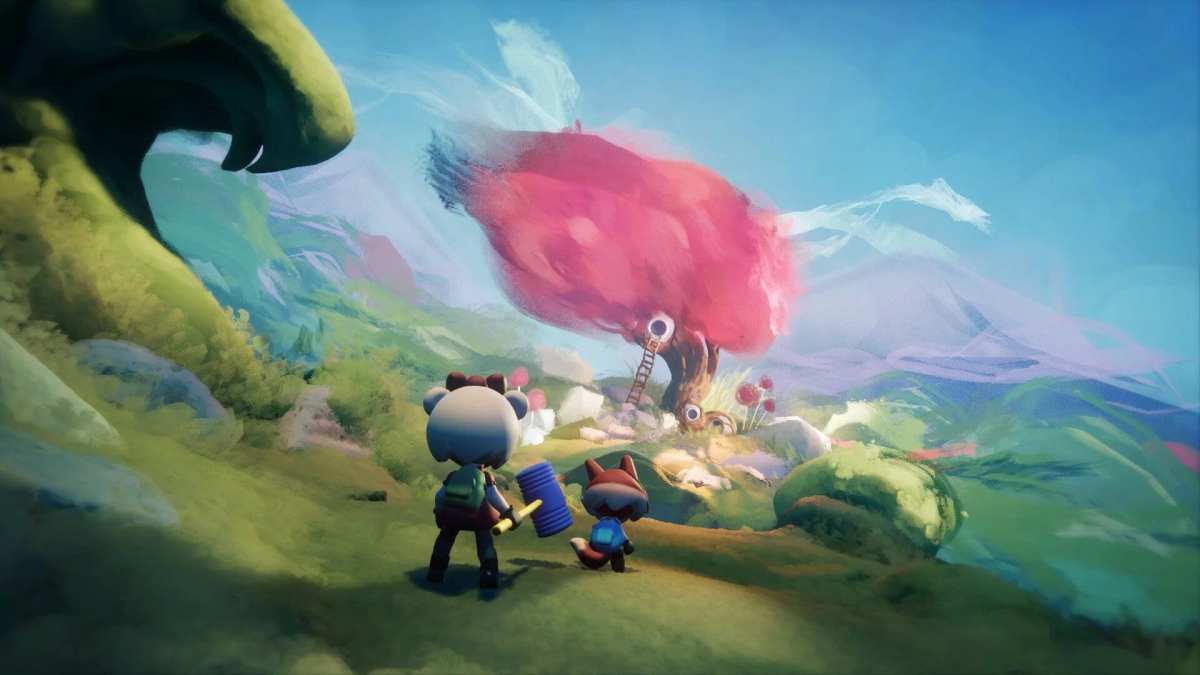

While much of Dreams is split into two sections, Dream Shaping and Dream Surfing, you can actually combine the two by editing some other players’ creations. In case you think you can improve something you’ve played, here’s everything you need to know about how to edit and remix creations in Dreams.
The first thing you need to know is that not all creations and levels in the game can be remixed. It’s up to the creator whether or not to allow others to remix the level. In our experience, not that many levels, at least not many of the popular ones, can be edited.
How to Edit & Remix Creations in Dreams
The first way to remix a level is to head to the Dream Surfing section of Media Molecule’s game and look for a level you want to play.
Once you’ve found one, head to the main screen of a level you want to remix. If you can edit it, you’ll see a triangular recycle option next to the play and thumbs up icons at the bottom of the screen.
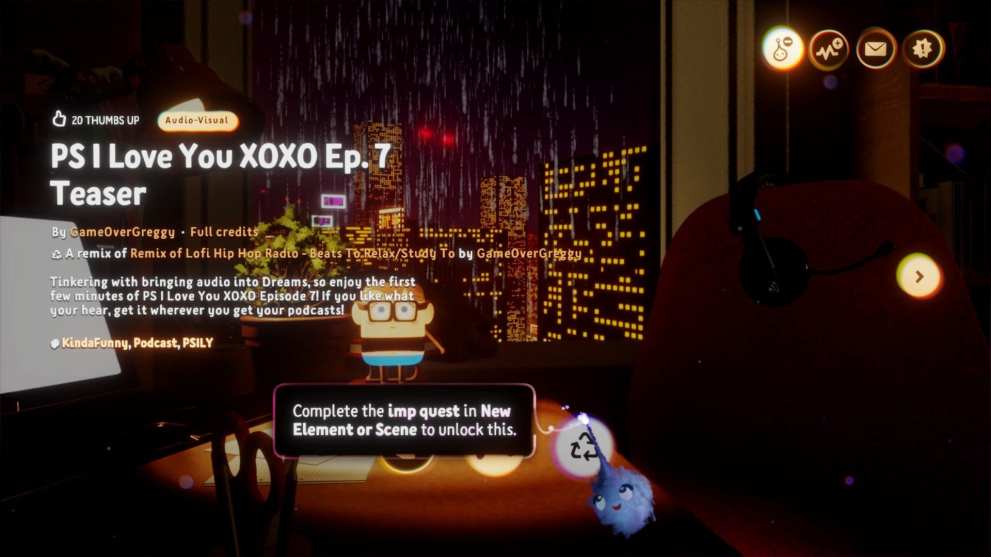
You’ll need to have completed the Imp Quest in New Element or Scene to unlock it. It’ll be greyed out if you haven’t, so do that first. Once you’ve done that, you can select the option and jump in to start tinkering with it however you’d like.
Alternatively, if you’re just looking for something random to remix, head to the Dream Shaping section of Dreams. If you select the search bar at the top of the screen, you can then filter all levels by Remixable by selecting the option on the left.
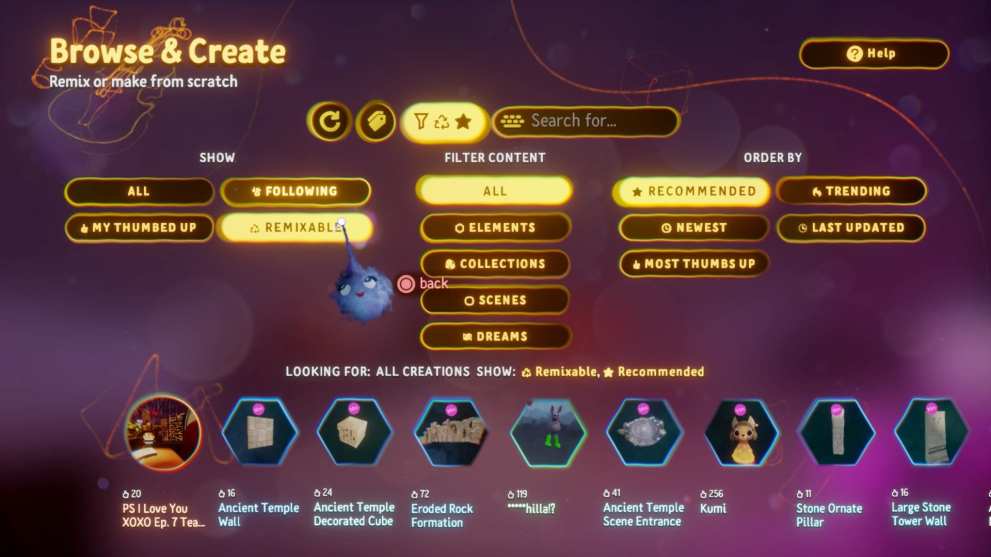
You’ll then be able to look through all the levels in the game that you can edit. Just choose one and follow the steps we outlined above.
Time needed: 5 minutes
In short, to edit and remix creations in Dreams
- Complete the Imp Quest in New Element or Scene.
- Find a level that allows you to remix it, shown by a recycle symbol at the bottom of the screen.
You can search via the Dream Shaping search menu.
- Click on it with X and make the changes you want.
That’s everything you need to know about how to edit and remix creations in Dreams. For more tips and tricks on the game, be sure to search for Twinfinite. You can also check out our feature on the best Dreams levels we’ve played so far.












Updated: Feb 19, 2020 02:17 pm