


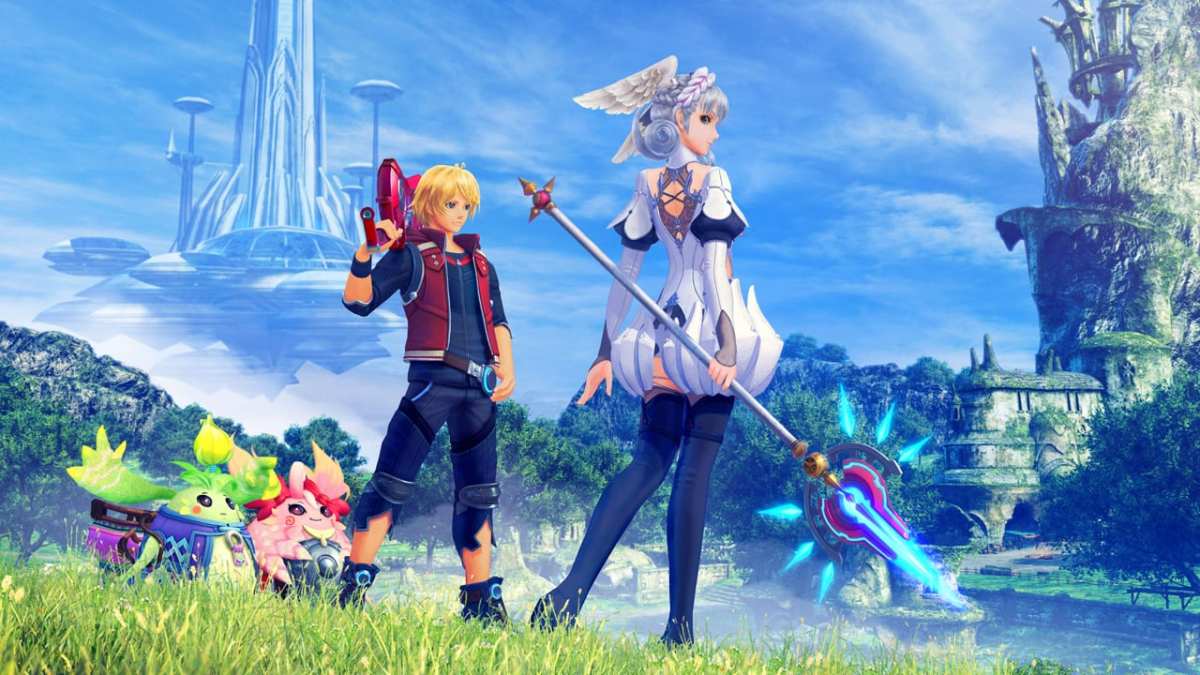

Originally a Wii game, Monolith Soft is finally giving Xenoblade Chronicles the treatment it deserves with a graphical upgrade and a few other nifty tweaks and improvements on the Switch. The Definitive Edition is still very much the same game you know and love, but with some major quality of life improvements that enhance it even further. Here’s how to save your game in Xenoblade Chronicles.
Saving Your Game in Xenoblade Chronicles
Xenoblade Chronicles is an insanely long JRPG, and with the addition of the new Future Connected epilogue, you can expect it to be even longer than you remember. Unless you’re planning on beating this game in one sitting (not recommended), you’re probably going to want to save your game at some point.
To do this, bring up the menu with the X button, then press + to bring up the system menu. Choose the Save option, then select a slot you want to record your progress in. After that, you can safely quit the game and jump back in whenever you want to.
The game also features an auto-save system, and a little icon will appear in the bottom left corner of the screen whenever it’s in progress.
The good news is that even if you forget to record your progress and you happen to die in a brutal combat encounter or boss fight, the game is pretty good at keeping all your progress.
Whenever you die, you’ll spawn at the start of the area or at the nearest checkpoint with all your items and experience still intact. If you died in a boss fight, you can immediately attempt it again without having to watch story cutscenes.
That’s all you need to know about how to save your game in Xenoblade Chronicles. Be sure to search for Twinfinite for more tips and information on the game.








Updated: May 27, 2020 01:59 am