


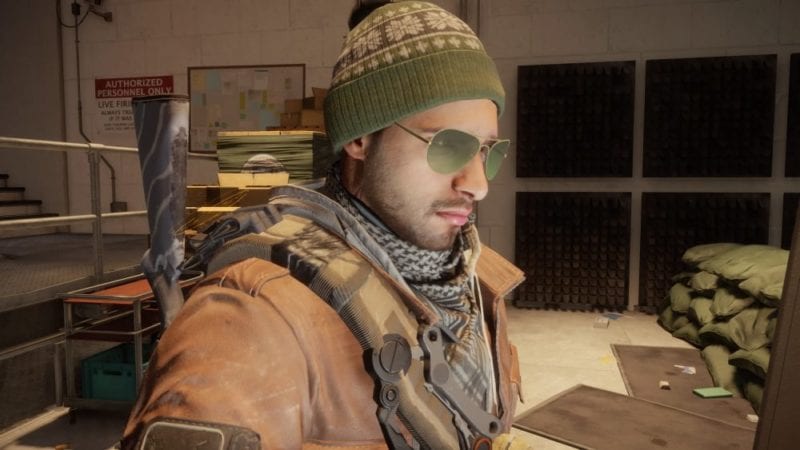

In The Division, all Agents start out with pretty much the same look. Sure you can customize your face a bit, but that isn’t going to help you stand out much. Luckily there are a ton of clothes you can find and wear. Hats, pants, shirts, jackets, scarfs, and shoes.
Before you do anything, you’re going to have to find some clothes. You can also acquire some through Uplay Rewards and DLC. After you have what you want, simply go into your inventory and head over to the Appearance tab (the far right). Select the category you want to change, and pick what you want. Simple as that.
Choosing the Outfit Sets option will group all articles of clothing that go together for you, making the act of changing clothes a bit easier. For example, if you want to just wear the Sheriff items, this will place all of them next to each other so you can quickly select.
For more guides, tips, tricks, and information on The Division, be sure to check out our wiki.








Updated: Oct 19, 2018 12:59 pm