Forgot password
Enter the email address you used when you joined and we'll send you instructions to reset your password.
If you used Apple or Google to create your account, this process will create a password for your existing account.
This site is protected by reCAPTCHA and the Google Privacy Policy and Terms of Service apply.
Reset password instructions sent. If you have an account with us, you will receive an email within a few minutes.
Something went wrong. Try again or contact support if the problem persists.
best, open, world, games, ps4

The Division: How to Call in an Extraction

This article is over 10 years old and may contain outdated information

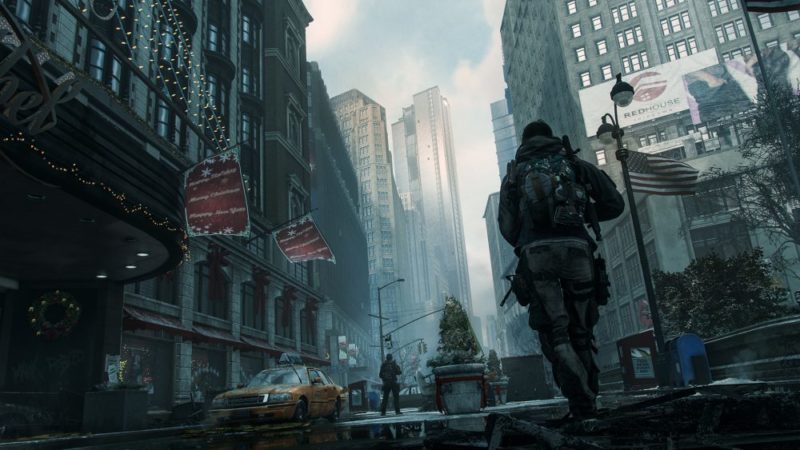
When you’re in the Dark Zone, you’re going to find yourself quickly acquiring a lot of loot that you’ll want to extract as soon as possible. Here’s how to call in an extraction and get your looted items to safety.

Recommended Videos

All you have to do to get call in the chopper is simply hold Square on PS4 or X on Xbox One to call in an extraction. That’s all there is to it. For advice on what to do once you’ve done this, follow the rest of the steps in our guide on extracting loot from the Dark Zone, here. Happy looting, Agents!

For more guides, tips, tricks, and information on The Division, be sure to check out our wiki.


Twinfinite is supported by our audience. When you purchase through links on our site, we may earn a small affiliate commission. Learn more about our Affiliate Policy

Author
Image of Chris Jecks
Chris Jecks
Managing Editor
Chris Jecks has been covering the games industry for over eight years. He typically covers new releases, FIFA, Fortnite, any good shooters, and loves nothing more than a good Pro Clubs session with the lads. Chris has a History degree from the University of Central Lancashire. He spends his days eagerly awaiting the release of BioShock 4.